Free Pixelator: The Ultimate Online Tool for 8-bit Pixel Art
Unlock pro-level pixel art instantly. Our free online Pixelator converts any photo to 8-bit graphics by mastering 4 core controls: Grid Size, Contrast, and Saturation. Use it for game assets and avatars. No login required.
In a world of 4K screens and hyperreal visuals, the warmth of retro pixel art never fades. From Stardew Valley to Minecraft, blocky aesthetics keep inspiring creators. A pixelator is the bridge between crisp photos and nostalgic 8-bit charm, letting anyone convert an image without wrestling with heavy software.
Quick Summary
- What is it? A pixelator reduces resolution and colors to create retro, blocky art.
- How it works: Downsampling with a grid plus color quantization for a smaller palette.
- Best for: Indie game assets, avatars, NFT bases, and stylish privacy masking.
- Why Image2Pixel: Free, browser-based, no login, instant results.
Traditional workflows in Photoshop demand manual resizing, indexing, grids, and anti-aliasing tweaks. An online pixelator like Image2Pixel compresses all of that into a few sliders, so you can focus on creative choices instead of setup chores.
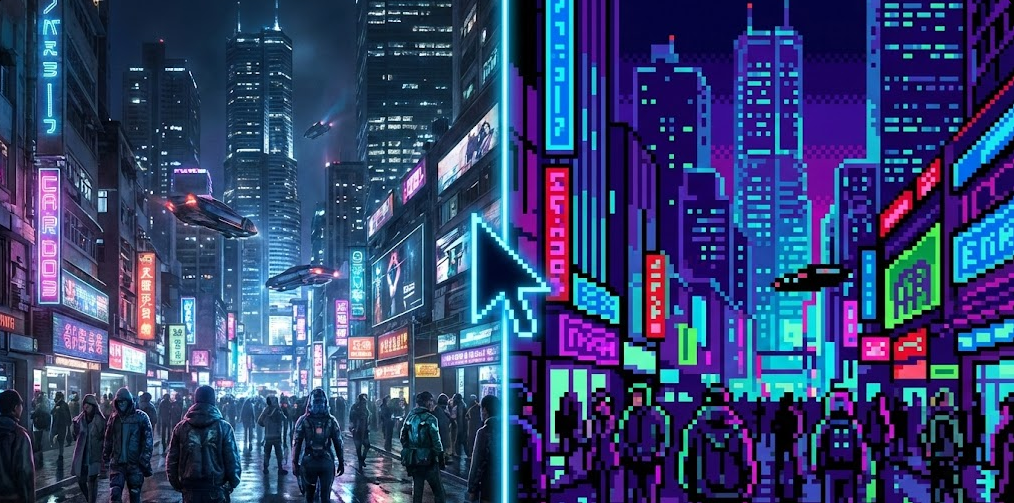
The Science Behind the Pixelator
A professional-grade pixelator is more than a blur filter. It combines two core algorithms to mimic classic hardware limits while keeping the scene readable.
Downsampling: The Grid That Defines Detail
The pixelator scans small blocks of your image (for example, 10x10 pixels) and averages them into a single super pixel. Grid size controls abstraction: a 16px grid gives chunky NES vibes, while a 128px grid keeps more detail for a modern demake look.
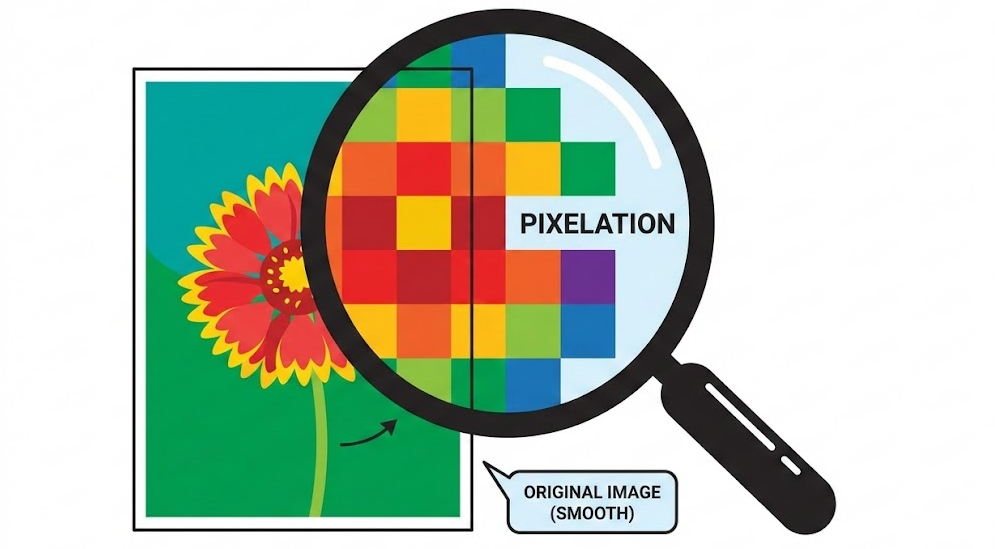
Color Quantization: Crafting the Palette
Smart palette reduction groups similar shades and removes micro-gradients. You get flat, readable color blocks that feel authentic to 8-bit or 16-bit art. The fewer the colors, the stronger the retro mood.
Mastering the 4 Core Controls
Image2Pixel exposes four levers that give you pro-level results without the busywork. Treat them as a simple pipeline: prep the photo, pick your era with grid size, then sculpt the palette with contrast and saturation.
Step 1: Pre-processing with Brightness and Contrast
Start with a clear, high-contrast source. If the photo is dark or muddy, bump brightness and contrast so edges pop before you pixelate. This helps the grid find shapes instead of smearing them into noise.
Pro tip: Try raising brightness to 120 percent on a dim portrait to separate the subject from the background instantly.
Step 2: Grid Size as the Abstraction Slider
- 8px-16px: Bold abstraction for textures, UI icons, or privacy masking.
- 32px-64px: The SNES and Genesis sweet spot for avatars and sprites.
- 128px and up: Modern retro that keeps fidelity while adding a demake feel.
Step 3 and 4: Contrast and Saturation as Your Manual Palette
NES style: Push contrast high to separate highlights and shadows, then ease saturation slightly for a vintage, washed CRT vibe.
Modern indie style: Keep contrast moderate but raise saturation for bright, punchy palettes that shine on OLED screens.
Practical Applications for Creators
With the four controls dialed in, a pixelator turns into a production tool rather than a novelty filter.
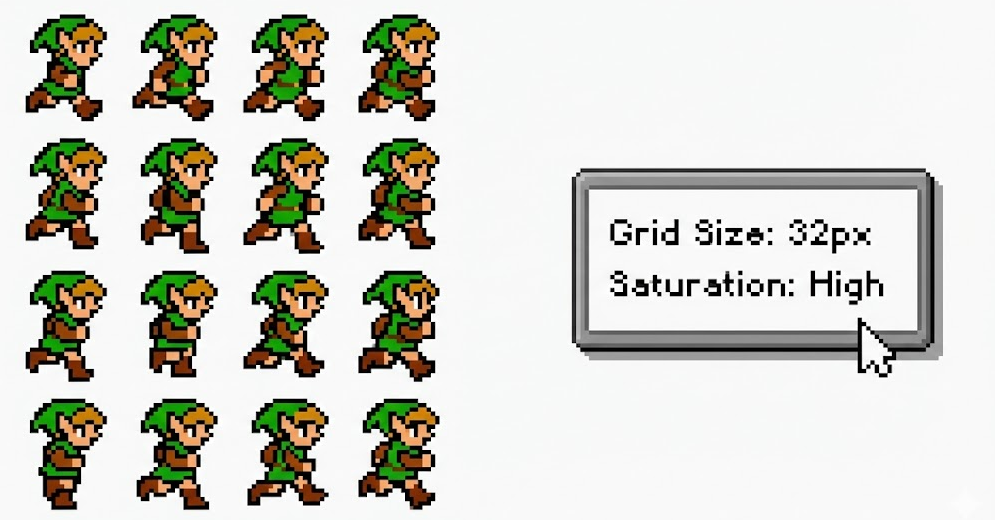
- Indie game assets: Convert real-world references into base sprites or textures for rapid prototyping.
- Unique avatars: A 64px grid balances recognizability and anonymity for Discord or X profiles.
- NFT layers: Generate consistent base art, then tweak hue and saturation to produce rare variants.
- Stylish privacy: Small grids (8px-12px) mask faces or plates while keeping a cohesive aesthetic.
Frequently Asked Questions
Why use an online pixelator instead of Photoshop?
Speed and simplicity. Photoshop requires manual resizing, mode changes, and palette indexing. A dedicated pixelator handles those tasks instantly so you can iterate faster.
Can I use the output commercially?
Yes. Images created with Image2Pixel are yours to use for games, ads, merchandise, or any commercial project. No watermarks and no ownership claims.
What is the best download format?
Choose PNG. It is lossless and preserves the sharp edges that make pixel art crisp, unlike JPG which introduces fuzziness.
Conclusion
A pixelator is a creative translator. By combining grid control with palette shaping, you can turn any photo into a nostalgic masterpiece in seconds. Stop fighting complex software, embrace the simplicity of the grid, and start your 8-bit journey with Image2Pixel today.